AI & GEO
How to Set Up and Verify Your Website on ChatGPT Business Hub (Step-by-Step Guide)
· 4 min read
For years, businesses had no real say in how ChatGPT described them. The AI pulled information from across the web, and customers saw whatever it found.
That has just changed. In November 2026, OpenAI launched Business Hub in beta, a place where businesses can claim their profile, verify ownership, and manage what ChatGPT shows about them. It is early and free at launch, which makes this the right time to act.
Here is how to set it up, step by step.
What Is ChatGPT Business Hub?
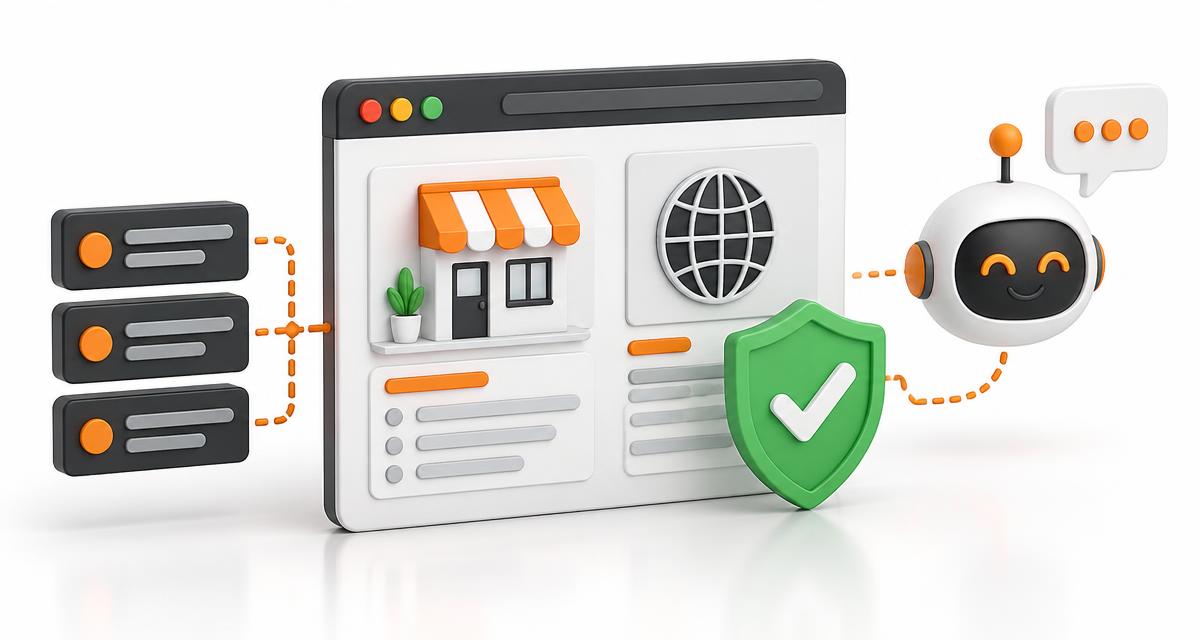
Business Hub is OpenAI's new dashboard for businesses. Once you claim and verify your business, you can update key details such as your website, business description, and products or services.
It also gives you analytics: how often your business is mentioned in ChatGPT, how many people view your profile, and how many click through to your website. In simple terms, it is a bit like Google Business Profile, but for AI answers.
Before You Start
A few minutes of preparation will make verification much smoother:
- Check your business details - your name, website, and main business phone number should match what appears across the web
- Get access to your domain settings - if you choose DNS verification, you will need to log in to wherever your domain is managed
- Keep your main business number handy - phone and text verification use this number
- Decide who owns this - use one person or a shared team account, so access does not get lost later
Step-by-Step: Claim and Verify Your Business
Step 1: Open Business Hub.
Visit chatgpt.com/business-hub and sign in with your ChatGPT account.
Step 2: Find your business.
Search for your business name. If a listing already exists, claim it. If not, you can create a profile, subject to OpenAI's eligibility checks.
Step 3: Choose a verification method.
You can verify through a call or text to your main business number, or through DNS verification, which involves adding a record at your domain provider.
Step 4: Complete verification.
Follow the on-screen prompts. Your claim may show as pending for a while before it is approved, so do not panic if nothing changes immediately.
Step 5: Update your profile.
Once verified, add or correct your website, description, and products or services. Treat this like your digital shopfront and keep it accurate and specific.
One honest note: this is a beta, and screens may change. OpenAI's own help article on setting up your business on ChatGPT is the best place to confirm the latest steps.
Which Verification Method Should You Choose?
Phone or text is the quickest if your main business number is publicly listed and reachable. DNS verification is better if you have a technical team, or a number you do not want to use, because it proves ownership of the website itself rather than the phone line.
Either way, pick the one you can complete in a single sitting. Half-finished verification is the most common reason claims stall.
What the Analytics Can (and Cannot) Tell You
This is the part worth reading carefully, because it is easy to over-interpret.
Business Hub shows mentions, profile views, website clicks, and what OpenAI calls discovery topics, meaning the common themes in conversations where your website is cited. That last one is genuinely useful. It tells you what ChatGPT associates your brand with, which is a content roadmap hiding in plain sight.
But there are limits:
- Clicks are recorded clicks on links, not confirmed visits or conversions
- It covers ChatGPT only, not Gemini, Perplexity, or Google AI Overviews
- It does not show competitor comparisons or the exact prompts people used
So use it as a directional signal, not a final scorecard. Pair it with Google Analytics and Search Console for the full picture.
What About Business Agents?
You may also hear about Business Agents, which let customers chat with a brand directly inside ChatGPT. For now, these are limited to eligible e-commerce and online service businesses in the United States. Business Hub itself is open to eligible businesses wherever ChatGPT is available, including India.
After Verification: Keep Your Profile Working
Claiming your profile is the starting line, not the finish.
ChatGPT still forms its view of your brand from your website, reviews, and mentions across the web. A verified profile helps you share accurate information, but it will not replace strong content, clear service pages, and consistent brand signals. Businesses that combine a well-managed profile with solid SEO foundations will be the ones that get recommended.
Check your analytics monthly, update your details when anything changes, and use discovery topics to spot gaps in your content.
Need Help Getting Your Brand Ready for AI Search?
At MIAAKA Tech, we help businesses across India build visibility that works for Google and for AI tools like ChatGPT. From profile setup and technical SEO to content that earns citations, we handle the details so you can focus on running your business.